Understanding PBR: A Beginner's Guide
Premium PBR Textures for Real-Time Engines
The Core Maps Behind Photorealistic Surfaces
Physically Based Rendering (PBR) standardizes how light interacts with materials across Unreal Engine 5, Unity 2023.3, and Blender. Instead of guessing surface behavior, you provide measurable data through four primary texture maps. Mastering these channels transforms flat 2D images into physically accurate, engine-ready assets.
Every professional texture pack from GrainStack follows a strict nomenclature to keep your project folders clean. When you download our "Industrial Warehouse" set, you’ll receive exactly four channels per material. Here’s what each map controls and how to read them correctly in your shader graphs.
Albedo (Base Color)
The albedo map stores the pure surface color without lighting, shadows, or baked-in specular highlights. Think of it as the pigment layer. In a 2048×2048 PNG, pure grayscale values indicate neutral tones, while saturated pixels define rust, paint, or fabric dye. Always keep albedo in sRGB color space for accurate shading calculations in modern PBR pipelines.
Normal Map
Normal maps simulate geometric detail without adding polygons. Encoded in tangent space (RGB channels representing X, Y, Z vectors), they trick the lighting engine into calculating micro-facets. A perfectly smooth surface reads as (128, 128, 255) in RGB. Our "Distressed Leather" scan captures 0.4mm grain depth and scratch patterns, allowing real-time engines to compute accurate contact shadows and grazing light reflections.
Roughness
Roughness dictates how light scatters across a surface. Pure black (0.0) creates mirror-like reflections, while pure white (1.0) yields completely diffuse scattering. Most real-world materials fall between 0.3 and 0.8. When texturing brushed aluminum, you’ll see horizontal striations mapped as mid-gray values, preserving directional anisotropy without requiring a separate AO pass.
Metallic
The metallic channel is a binary switch in practice: 0.0 for dielectrics (wood, plastic, leather) and 1.0 for conductors (steel, copper, brass). Modern engines use this value to select the correct Fresnel equation. Avoid mid-tones unless simulating oxidized metal or painted conductors. GrainStack’s "Weathered Steel Beam" set uses a carefully graded metallic map to represent flaking paint over exposed iron.
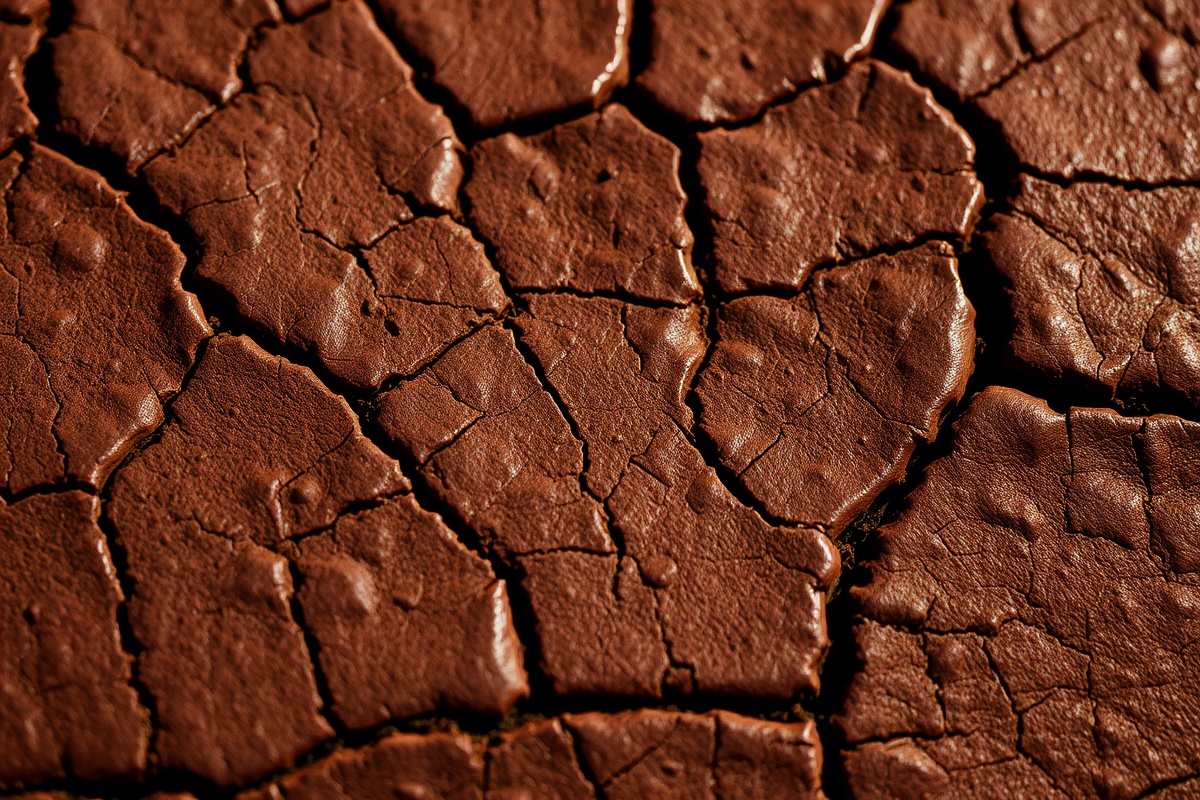
Combine these four channels in a standard shader graph, and your materials will respond consistently to HDRI lighting, real-time shadows, and dynamic camera angles. Whether you’re building architectural visualization assets or game-ready props, sticking to this four-map foundation ensures interchangeability across the entire real-time ecosystem.
Continue Your Workflow
Material Packs
Industrial & Architectural Textures
120+ scanned materials optimized for UE5 Lumen and Unity HDRP. Includes concrete, brushed metals, and aged timber with full 4K resolution sets and calibrated EXR exports.
Browse CollectionWorkflow Tools
Smart Material Templates
Pre-built node graphs for Substance Designer and Shader Graph. Plug in your base textures and auto-generate roughness variations, dirt accumulation, and wear masks.
Download TemplatesLearning Resources
PBR Calibration Guide
Step-by-step tutorials on color space management, mipmapping strategies, and optimizing texture memory budgets for mobile and standalone builds under 512MB VRAM.
Read Documentation